If you want to know how to improve Core Web Vitals, start by measuring each metric with real-user data, find the specific element or script causing the problem, and fix that first. Most improvements come from faster servers, lighter images, less JavaScript and reserving space for content before it loads.
This guide explains what LCP, INP and CLS measure, what counts as “good,” how to test your site, and the fixes that usually make the biggest difference, including tips for WordPress.
Key takeaways
- Core Web Vitals are LCP (loading), INP (responsiveness) and CLS (visual stability).
- Good scores are LCP of 2.5 seconds or less, INP of 200 milliseconds or less, and CLS of 0.1 or less.
- INP replaced FID as a Core Web Vital in March 2024.
- Use field data from Search Console and PageSpeed Insights to find problems, then lab tools to diagnose them.
What Core Web Vitals measure
Core Web Vitals are Google’s metrics for real-world page experience. They are part of the signals Google considers, but they also matter for a simpler reason: slow, jumpy pages frustrate visitors.
| Metric | What it measures | Good |
|---|---|---|
| Largest Contentful Paint (LCP) | How long the largest visible image or text block takes to render | 2.5 s or less |
| Interaction to Next Paint (INP) | How quickly the page visually responds to clicks, taps and key presses | 200 ms or less |
| Cumulative Layout Shift (CLS) | How much content unexpectedly moves around while the page is in use | 0.1 or less |
INP replaced First Input Delay (FID) in March 2024. FID only looked at the delay before the first interaction was handled. INP looks at responsiveness across interactions during a visit, so it gives a fuller picture of how a page feels to use.
How to test your Core Web Vitals
There are two kinds of data. Field data comes from real Chrome users visiting your site. Lab data comes from a simulated test on one device and connection. Field data tells you whether you have a problem; lab data helps you work out why.
- PageSpeed Insights: enter a URL to see field data (when enough exists) alongside a Lighthouse lab report with specific recommendations.
- Google Search Console: the Core Web Vitals report groups similar URLs and flags which ones are poor or need improvement, for mobile and desktop separately.
- Chrome DevTools: the Performance panel shows exactly which element is your LCP, which scripts block interactions, and what shifts the layout.
Note that Lighthouse cannot measure INP directly, because a lab test has no real user clicking. It reports Total Blocking Time instead, which is a useful hint at responsiveness problems.

How to improve LCP
LCP is usually a hero image, banner or large heading. Find out which element it is, then speed up everything that delays it.
- Reduce server response time. Use good hosting, page caching and a CDN so the HTML arrives quickly.
- Optimize the LCP image. Serve it at the right size, in a modern format like WebP or AVIF, and compress it.
- Don’t lazy-load it. Lazy loading is great for images further down the page, but it delays the main image.
- Prioritize it. Add
fetchpriority="high"to the LCP image, or preload it if it is a CSS background. - Cut render-blocking resources. Inline critical CSS, defer non-essential JavaScript, and remove unused stylesheets.
How to improve INP
Poor INP means the browser’s main thread is too busy to respond when someone taps or clicks. The fix is almost always less, or better-scheduled, JavaScript.
- Audit third-party scripts. Chat widgets, tag managers, trackers and ad scripts add up. Remove what you don’t use and delay the rest until after the page loads or the user interacts.
- Break up long tasks. Split heavy JavaScript into smaller chunks so the browser can respond between them.
- Keep event handlers light. Show visual feedback immediately, then do heavier work afterward.
- Reduce DOM size. Very large pages with deeply nested elements are slower to update after each interaction.
How to improve CLS
Layout shift happens when something loads and pushes content out of the way. The solution is to reserve space in advance.
- Set image and video dimensions. Include width and height attributes, or use CSS aspect-ratio, so the browser knows the space needed.
- Reserve space for ads, embeds and banners. Give containers a fixed minimum height.
- Don’t insert content above existing content unless it responds to a user action.
- Manage web fonts. Preload key fonts and use a closely matched fallback so text doesn’t jump when the font swaps in.
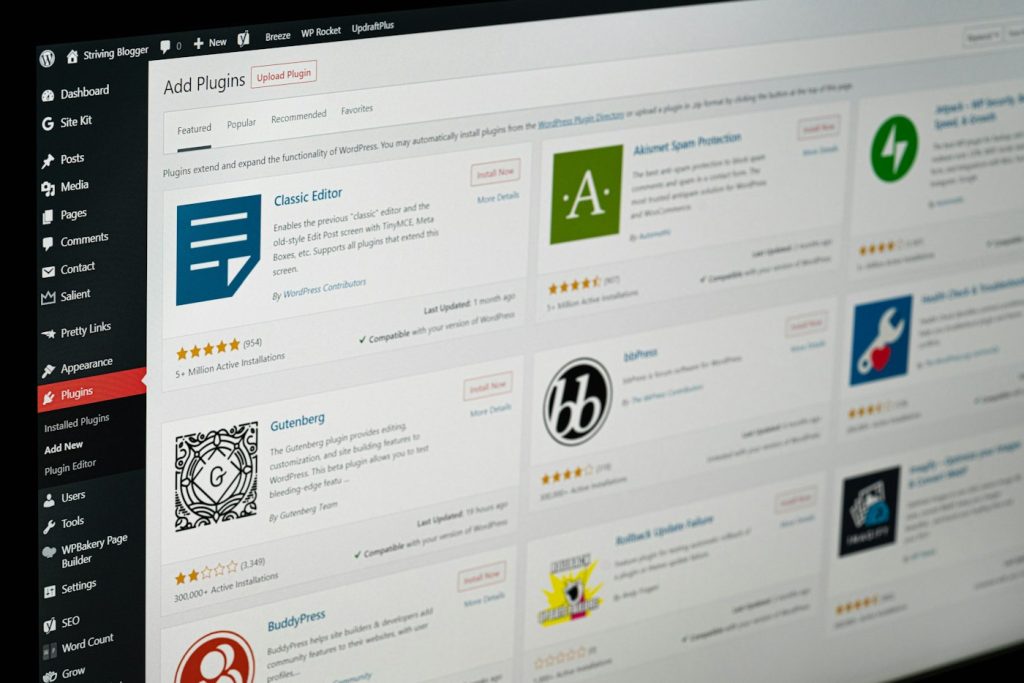
WordPress tips for better Core Web Vitals
WordPress sites can score well, but themes, page builders and plugins often add weight. A few practical steps:
- Choose a lightweight theme and avoid stacking several page builders or bulky add-on packs.
- Use a reputable caching plugin or host-level caching, and pair it with a CDN.
- Optimize images automatically with a plugin that resizes, compresses and serves modern formats.
- Remove unused plugins, and check whether active ones load scripts on pages where they aren’t needed.
- Check lazy loading on hero images. WordPress lazy-loads images by default; make sure your theme or builder doesn’t apply it to the main above-the-fold image.
- Keep PHP, WordPress and plugins updated for performance and security improvements.
If you are planning bigger changes, our guide to SEO for a website redesign covers protecting rankings during the process.
Frequently asked questions
How long do Core Web Vitals take to update after fixes?
Lab tools show changes immediately. Field data in Search Console and PageSpeed Insights is based on a rolling window of recent real-user visits, so improvements appear gradually over the following weeks.
Do Core Web Vitals affect rankings?
They are one of many signals Google uses. Great content still matters most, but good page experience can help and it directly improves how visitors feel about your site.
Why do mobile and desktop scores differ?
Mobile devices typically have less processing power and slower connections, so the same page often scores worse on mobile. Prioritize mobile fixes first.
Is a perfect PageSpeed score necessary?
No. Aim to pass all three Core Web Vitals in field data. The lab score is a diagnostic tool, not the goal itself.
Need a faster website?
Tech Baksho builds and optimizes websites with performance in mind, from hosting and code to images and scripts.